
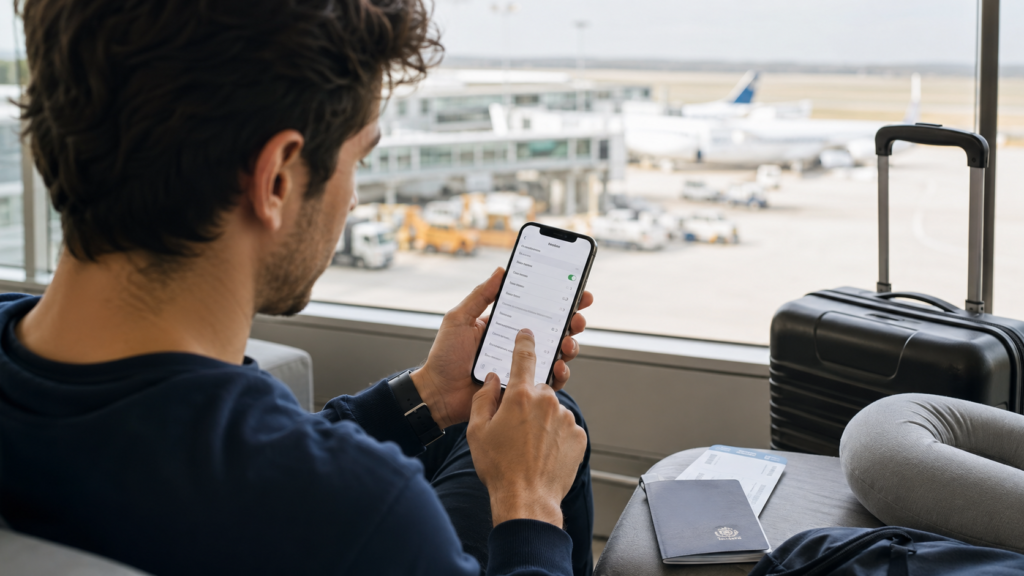
Quick Answer: What Should You Check Before Buying a Vietnam eSIM?
Before buying a Vietnam eSIM, check that your phone supports eSIM, is carrier-unlocked, has internet for setup, and matches your travel needs.
The most important checks are simple: confirm your device supports eSIM, make sure it is not locked to your home carrier, check that you can access the “Add eSIM” or “Add Mobile Plan” setting, and choose the right type of plan before you fly.
| Compatibility Check | Why It Matters | What to Do Before You Fly |
|---|---|---|
| eSIM support | Your phone must support digital SIM installation | Check your phone settings or official device specifications |
| Carrier-unlocked status | Locked phones may reject travel eSIMs | Check SIM restriction settings or contact your carrier |
| Exact model and region | Some models vary by country or purchase region | Check your exact model number, not only the phone name |
| Wi-Fi for installation | Most eSIM setup requires internet access | Install using reliable Wi-Fi before departure when possible |
| Plan type | Data-only plans do not include calls, SMS, or Zalo SMS | Choose data-only or local-number service based on your needs |
If these checks are clear, you can usually install a Vietnam eSIM for your trip before departure and use mobile data after arriving within Vietnam coverage.
1. Check Whether Your Phone Supports eSIM
Your phone must support eSIM before it can install a Vietnam travel eSIM QR code.
eSIM support depends on the device model, country version, software, and sometimes the carrier configuration. Many newer iPhone, Samsung Galaxy, Google Pixel, and selected Android models support eSIM, but not every version of the same phone name is identical.
Do not rely only on the phone name. Two phones with similar names can have different eSIM support depending on where they were purchased. Some regional versions may not show the eSIM menu even when the global model family supports eSIM.
If you want to check by phone model, use the eSIM compatible devices list before purchasing a Vietnam eSIM.
Quick device setting check
The easiest way to check eSIM support is to look for an eSIM setup option inside your phone’s mobile network settings.
- iPhone: Go to Settings → Cellular or Mobile Service → Add eSIM.
- Samsung: Go to Settings → Connections → SIM manager → Add eSIM.
- Google Pixel: Go to Settings → Network & internet → SIMs → Add SIM or Download a SIM.
- Other Android phones: Look under Mobile network, SIM manager, or Network & internet settings.
If you cannot find any eSIM or “Add SIM” option, your device may not support eSIM, the function may be disabled by region, or the phone may need a software update.
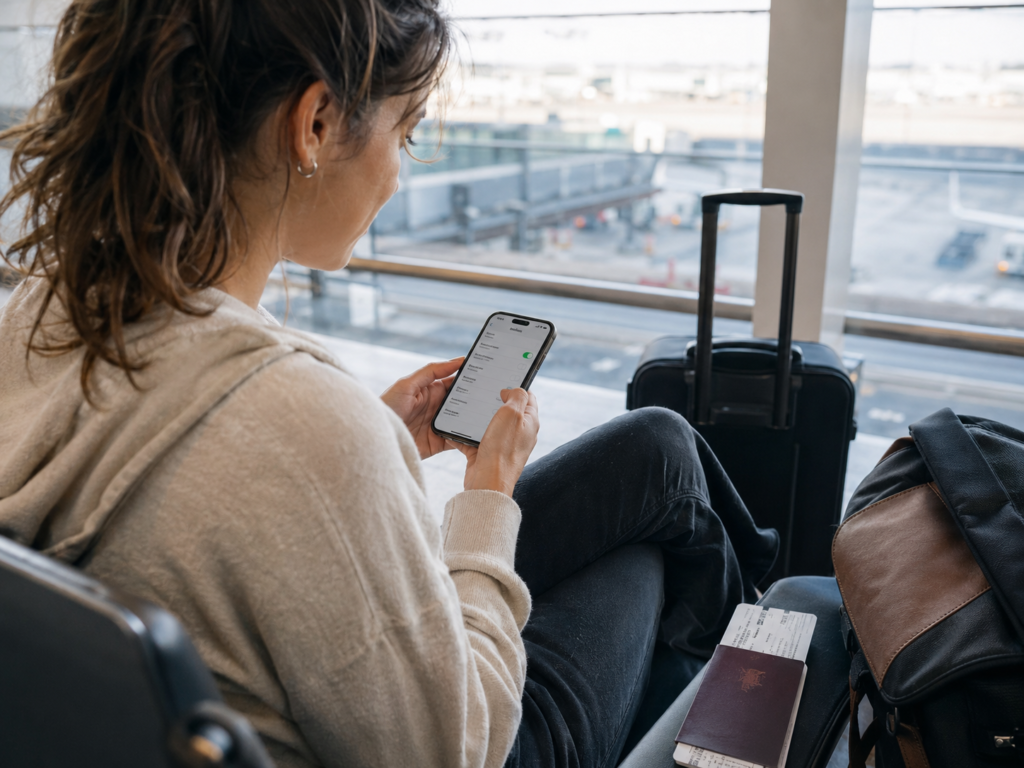
2. Check Whether Your Phone Is Carrier-Unlocked
A carrier-locked phone may not accept a Vietnam eSIM, even if the phone model supports eSIM.
This is one of the most common compatibility problems travelers discover too late. Some phones are locked because they were bought through a mobile carrier contract, installment plan, prepaid bundle, or promotional agreement. If the phone is locked, it may only work with the original carrier or approved networks.
GoVnSIM often sees this issue with travelers who bought phones through carrier contracts, installment plans, or prepaid network bundles in their home country. The exact rules depend on the carrier and contract terms, so the safest step is to check before buying a Vietnam eSIM.
How to check on iPhone
iPhone users can usually check carrier lock status inside the device settings.
- Go to Settings.
- Tap General.
- Tap About.
- Look for Carrier Lock or Network Provider Lock.
- If it says “No SIM restrictions,” the iPhone is usually unlocked.
How to check on Android
Android lock status varies by brand, country, and carrier, so checking with your carrier is often the most reliable method.
You can also test with another SIM from a different network before travel. If the phone rejects the second SIM or shows a SIM/network restriction message, it may be locked.
If your phone is locked, it cannot be unlocked remotely through an eSIM provider. You normally need to contact the original carrier and request an unlock before using a Vietnam travel eSIM or a physical SIM from another network.
3. Check Your Exact Phone Model and Region
Exact phone model and purchase region matter because eSIM support can vary across country versions.
A phone may look identical on the outside but have different SIM hardware, firmware, or carrier rules depending on where it was sold. This is especially important for travelers using imported phones, carrier-specific models, or devices bought in markets where eSIM support is limited.
Before purchase, check your exact model number in your phone settings and compare it with the manufacturer’s official support information. This is more reliable than checking only “iPhone 13,” “Galaxy S23,” “Pixel 8,” or similar device names.
Where to find your model number
- iPhone: Settings → General → About → Model Number.
- Samsung: Settings → About phone → Model name and Model number.
- Google Pixel: Settings → About phone → Model and regulatory labels.
- Other Android phones: Settings → About phone → Model or Device information.
4. Check Whether You Need Data-Only or a Vietnamese Phone Number
Many Vietnam travel eSIMs are data-only, so they do not include a Vietnamese phone number, calls, SMS, or Zalo SMS verification.
This distinction matters before you buy. If you only need mobile internet for Google Maps, Grab, WhatsApp, hotel messages, browsing, email, and social media, a data-only eSIM is usually enough.
If you need a local number, incoming calls, SMS, local contact, or Zalo verification, choose a Vietnam eSIM with phone number instead of a data-only travel eSIM.
Banking OTP support should not be assumed. Each bank has its own verification rules, and some banking OTPs may not work with travel or local-number eSIMs. Travelers should check directly with their bank if banking OTP access is important.
5. Check Your Vietnam Route and Coverage Needs
Your Vietnam route affects which eSIM option fits best, especially if you travel beyond major cities.
For city trips in Hanoi, Ho Chi Minh City, Da Nang, or Hoi An, a general Vietnam eSIM is usually suitable for normal travel apps. For mountain routes such as Ha Giang, Sapa, remote countryside roads, or multi-province motorbike and car trips, network coverage becomes more important.
If your itinerary includes mountain or rural routes, a Viettel eSIM for mountain routes is often worth considering because coverage reliability matters more than choosing only by price or data amount.
6. Check That You Have Wi-Fi for Installation
Most travelers should install their Vietnam eSIM using stable Wi-Fi before departure or before they need mobile data.
An eSIM QR code usually needs an internet connection during setup. If you wait until landing and your airport Wi-Fi is weak, crowded, or hard to access, installation can feel stressful. Installing before your flight helps you confirm that the eSIM profile is already on your phone.
In many cases, you can install the eSIM before departure while connected to Wi-Fi. The eSIM will only provide mobile service after you arrive within Vietnam coverage and enable the correct mobile data settings. Activation timing can depend on the selected plan, so always follow the plan instructions you receive.
7. Check Your Mobile Data Line and Roaming Settings
After installing a Vietnam eSIM, you must select the correct mobile data line and enable the required settings after arrival.
A common mistake is installing the eSIM successfully but leaving mobile data assigned to the home SIM. Another common issue is turning off data roaming when the travel eSIM plan needs it to connect properly.
Before departure
- Keep your home SIM active if you need WhatsApp, iMessage, or banking access.
- Label your Vietnam eSIM clearly, such as “Vietnam Data” or “GoVnSIM.”
- Do not delete an installed eSIM unless support tells you to do so.
After arrival in Vietnam
- Select the Vietnam eSIM as your mobile data line.
- Turn on data roaming if the plan instructions require it.
- Restart your phone if the eSIM has signal but no internet.
- Check APN settings only if your setup instructions mention a specific APN.
If your eSIM has signal but no internet, the issue is often related to data line selection, roaming, APN, or network registration delay rather than QR code failure.
8. Check Your Device’s eSIM Storage and Existing SIM Profiles
Some phones can store multiple eSIM profiles, but only a limited number can be active at the same time.
If your phone already has several old eSIMs installed, remove unused profiles only if you are sure they are no longer needed. Do not delete your new Vietnam eSIM after installation, because most travel eSIM QR codes are single-use.
If your QR code says it has already been used, first check whether the eSIM is already installed in your phone settings. Do not keep scanning the QR code repeatedly, and do not delete the installed profile before contacting support.
9. Check What to Do If Your Phone Is Not Compatible
If your phone is not eSIM-compatible or is carrier-locked, you should arrange a physical SIM or another connectivity option before arrival.
Some travelers discover that their phone does not support eSIM only after receiving the QR code. This can happen with older Android phones, some regional models, carrier-locked devices, or phones bought under network restrictions.
If your device cannot use eSIM, GoVnSIM may be able to suggest a physical SIM fallback, hotel delivery option, airport pickup assistance, or another practical solution depending on your arrival city and schedule.
Before You Purchase: Send These Details to Support
If you are unsure about compatibility, send your phone model, purchase country, carrier lock status, Vietnam arrival date, and whether you need data-only service or a Vietnamese phone number.
Providing these details helps confirm the correct plan before the QR code is generated. After an eSIM QR code has been generated and delivered, refund options are limited because the eSIM profile has already been allocated. If a verified technical issue from the network supplier or order system cannot be resolved through troubleshooting or replacement, the case may be reviewed for a refund.
This step is especially useful if your phone was bought through a carrier, imported from another country, recently repaired, or has never used eSIM before.
Vietnam eSIM Compatibility Checklist
Use this checklist before you buy or install a Vietnam eSIM to avoid common setup problems.
- My phone supports eSIM.
- My phone is carrier-unlocked.
- I checked my exact model number and region version.
- I can see “Add eSIM,” “Add Mobile Plan,” or “Download SIM” in settings.
- I have stable Wi-Fi for installation.
- I know whether I need data-only service or a Vietnamese phone number.
- I understand that data-only eSIMs do not include calls, SMS, or Zalo SMS verification.
- I checked whether my route needs stronger coverage, especially for Ha Giang, Sapa, or rural travel.
- I know not to delete the eSIM after installation unless support confirms it.
- I know how to select the Vietnam eSIM as my mobile data line after arrival.
GoVnSIM Recommendation
GoVnSIM recommends checking device compatibility before purchase, especially if your phone was bought through a carrier, imported from another country, or has never used eSIM before.
If your device is compatible and unlocked, a Vietnam eSIM is usually the simplest option for maps, Grab, WhatsApp, hotel messages, browsing, and travel apps. If you need local calls, SMS, or Zalo verification, choose a plan that clearly includes a Vietnamese phone number.
If you are not sure, contact GoVnSIM before buying. Share your phone model, purchase country, arrival date, route, and whether you need data-only service or a local number. This helps avoid buying the wrong plan before your flight.
FAQ
How do I know if my phone supports Vietnam eSIM?
You can check Vietnam eSIM support by looking for “Add eSIM,” “Add Mobile Plan,” or “Download SIM” in your mobile network settings.
You should also confirm your exact model number and region version because eSIM support can vary between country variants.
Can I use Vietnam eSIM on a locked phone?
You usually cannot use a Vietnam travel eSIM on a carrier-locked phone unless your carrier unlocks it first.
A locked phone may reject the eSIM profile or fail to connect to local networks, even if the QR code itself is valid.
Can I install a Vietnam eSIM before I fly?
You can usually install a Vietnam eSIM before you fly using stable Wi-Fi, but the service only works within Vietnam coverage.
Activation timing can depend on the selected plan, so follow the instructions provided with your eSIM.
Does Vietnam eSIM work immediately after landing?
A Vietnam eSIM can work after landing if it is installed correctly and your phone is set to use it for mobile data.
You may need to enable data roaming, select the correct data line, wait for network registration, or restart your phone.
Does a data-only Vietnam eSIM include a phone number?
A data-only Vietnam eSIM does not include a Vietnamese phone number, calls, SMS, or Zalo SMS verification.
Choose a Vietnam eSIM with phone number if you need local calls, incoming calls, SMS, or Zalo verification.
What should I do if my QR code says already used?
If your QR code says already used, first check whether the eSIM profile is already installed in your phone settings.
Do not delete the installed eSIM. Most travel eSIM QR codes are single-use, so contact support before taking further steps.
What if my phone does not support eSIM?
If your device cannot use eSIM, a physical SIM, hotel SIM delivery, or another connectivity option may be a better fallback depending on your arrival city and schedule.