
How to Check Data Usage on a Viettel Tourist eSIM
If you are using a Viettel tourist eSIM in Vietnam, the simplest way to check your data package information is by SMS. This is useful when you want to confirm your eSIM is active, check package details, or review usage during your trip.
How to check data usage on a Viettel tourist eSIM
For Viettel tourist eSIMs, the working method is to send an SMS to the Viettel system.
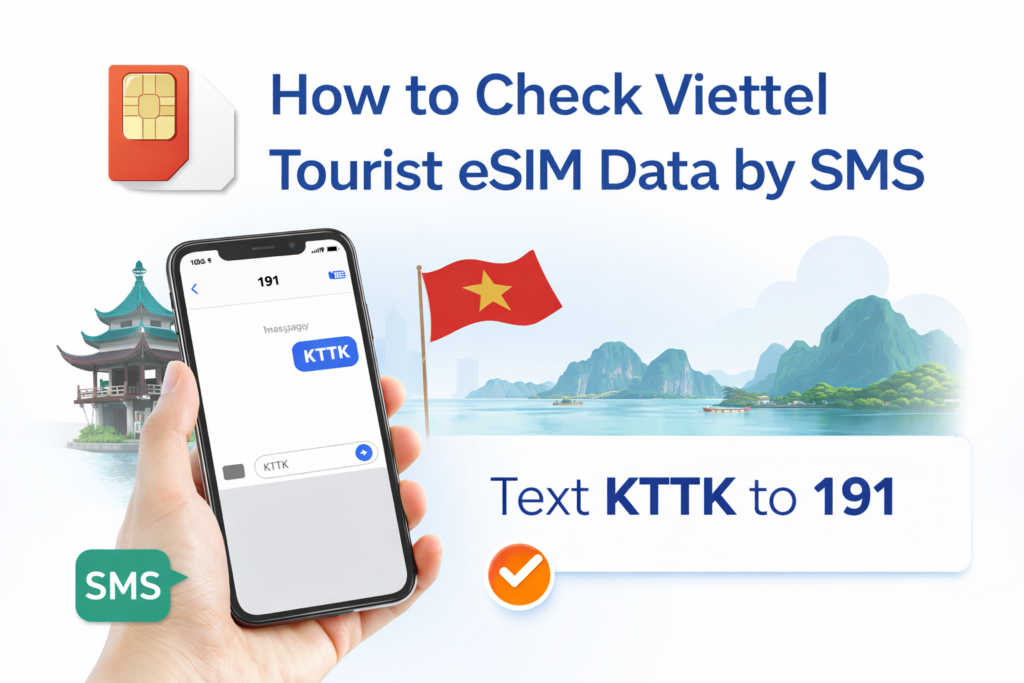
Send SMS KTTK to 191
- Open your Messages app
- Type KTTK
- Send it to 191
You will normally receive a reply from Viettel showing your package information.
Important if your phone uses Dual SIM or Dual eSIM
If your phone has two SIMs or two eSIMs, make sure you select the correct Viettel eSIM before sending the message. If the SMS is sent from another line, the request may fail or return no useful result.
- Check which line is set for sending SMS
- Choose the Viettel eSIM as the sending SIM
- Then send KTTK to 191 again
Why some travelers cannot check successfully
- The SMS was sent from the wrong SIM
- The Viettel eSIM was not selected as the active line for messages
- The device was using another primary SIM for SMS by default
What to do if you do not receive a reply
- Confirm the Viettel eSIM is active on your phone
- Make sure you are sending the message from the Viettel line, not your home SIM
- Turn Airplane Mode on and off, then try again
- Restart the device and resend the SMS
The easiest way to remember
To check your Viettel tourist eSIM package information, send KTTK to 191 from the correct Viettel eSIM. If you are using two SIMs or two eSIMs, always double-check that the SMS is being sent from the Viettel line.
If you need a digital option for travel in Vietnam, you can see the Viettel eSIM here.